Inventory & Regrading

Loop ERP Modules & Features

Inventory Regrading Software for Condition-Based Tracking and Valuation

In the circular economy, nothing is truly waste—only inventory in transition. The Inventory & Regrading feature function in Loop ERP is purpose-built to manage the complexity of materials that shift value, condition, and purpose over time. From refurbished electronics and reclaimed apparel to recycled industrial parts, this feature gives you the control and insight to make the most of every asset.

img
icon

What It Does

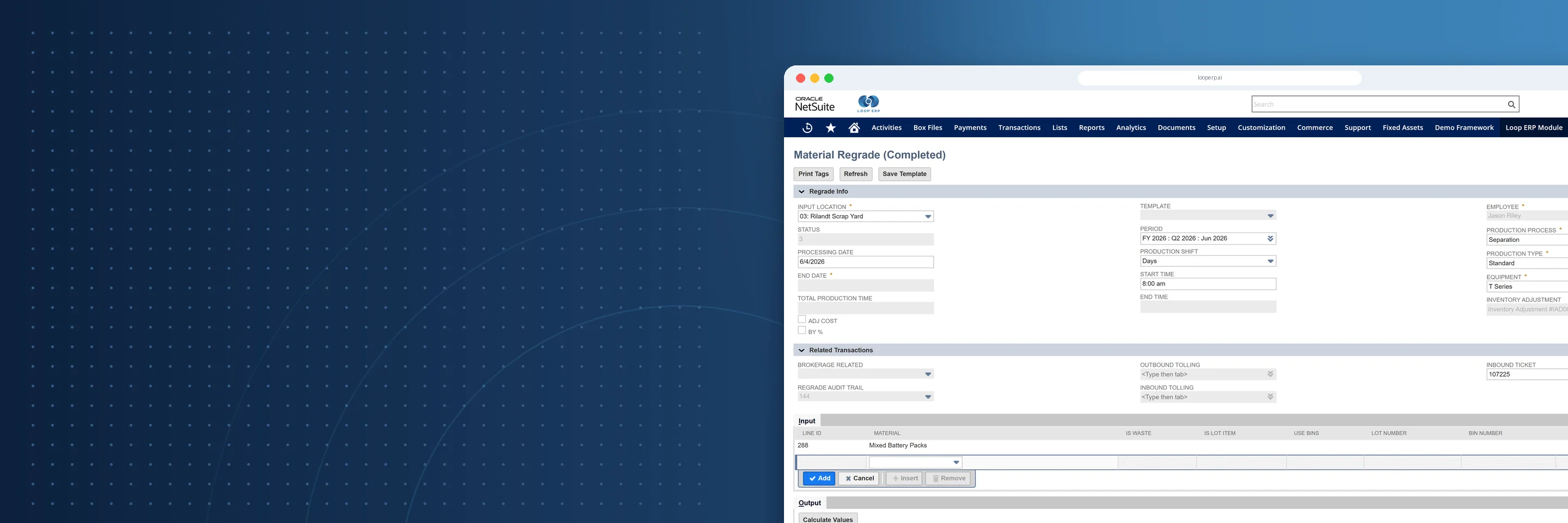
Inventory & Regrading in Loop ERP allows businesses to manage inventory through multiple lifecycles, tracking condition, grade, and value at every stage—whether items are brand new, returned, refurbished, repurposed, or recycled.

You gain precise control over where your inventory is, what condition it’s in, what it’s worth, and what to do with it next.

What is inventory regrading software in an ERP?

Inventory regrading software is a system for tracking, reclassifying, and revaluing items as their condition changes across their lifecycle — so when a returned product is inspected, downgraded from Grade A to Grade C, sent through refurbishment, and reassigned a new condition and price, every one of those transitions is recorded, traceable, and reflected in your inventory and financial records automatically. In standard ERP systems, inventory has a grade when it arrives and keeps that grade until it's sold or written off. That assumption doesn't hold in circular operations, where the same unit might be received, regraded, partially disassembled, repaired, regraded again, and resold — sometimes across multiple sites and channels. A purpose-built regrading module handles that complexity natively: custom condition grades, automated revaluation at each stage, lot and serial tracking through every transition, and bills of materials for disassembly and reassembly workflows. The result is an inventory record that reflects what something is actually worth right now, not what it was worth when it first arrived.

Expanded Key Features

icon

Multi-Gra Inventory Classification

Easily classify inventory across custom condition grades such as New, Like New, Gently Used, Repairable, Parts-Only, Scrap, etc. This enables real-time decisions about whether to resell, refurbish, disassemble, or dispose.

icon

Regrading Workflows

Design and automate grading and regrading processes, including testing, inspection, repair, and relabeling. Loop ERP tracks each step, who completed it, and how the item changed in value or usability.

icon

Lot & Serial-Level Traceability

Track every movement of serialized lot-based items—even as they move across grades or are partially repurposed. Perfect for industries requiring compliance or traceability.

icon

Refurbishment & Disassembly BOMs

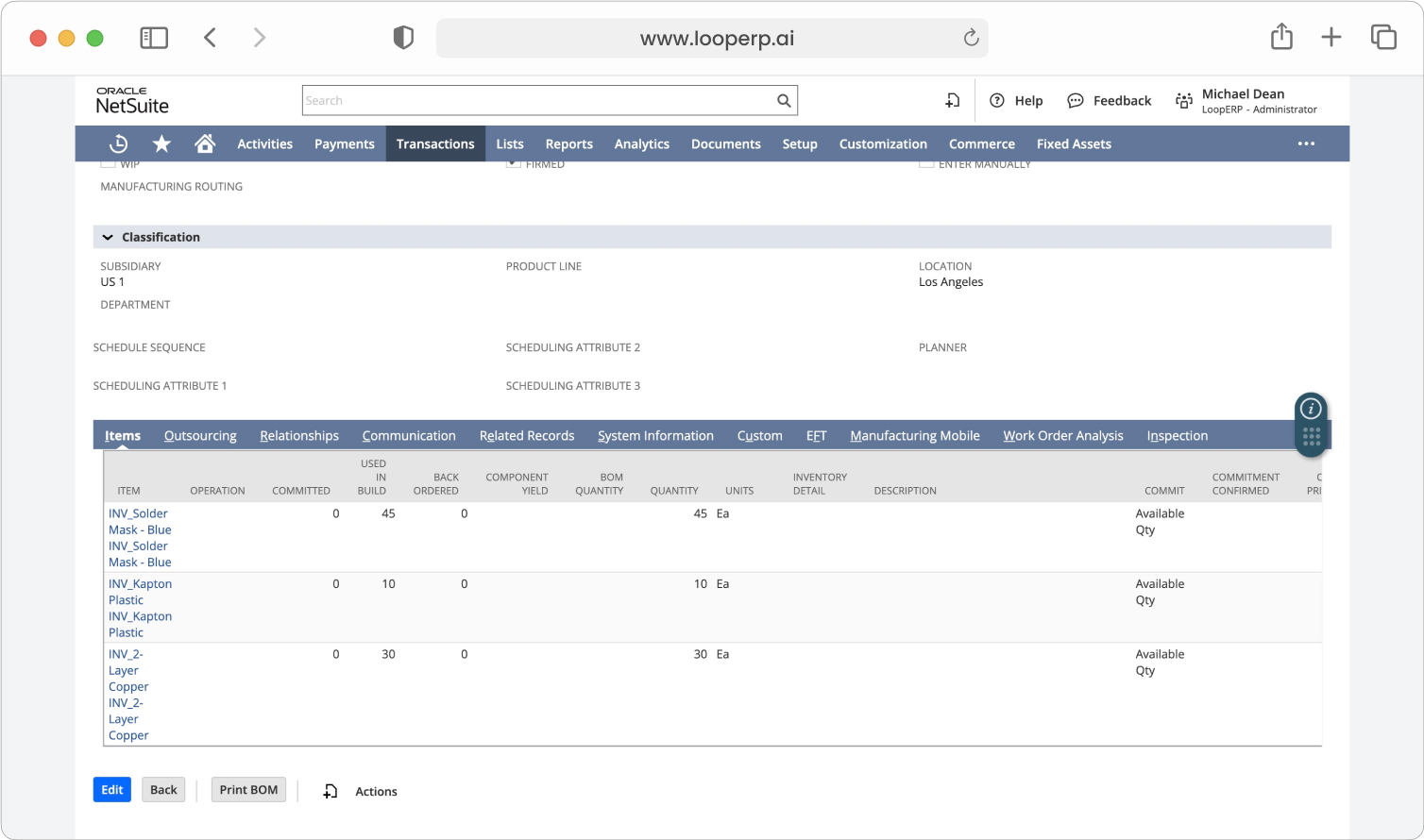
Create unique bills of materials (BOMs) for reassembly, refurbishment, or disassembly. Easily define input components (e.g., salvaged parts) and output items (e.g., a repaired or reboxed product).

icon

Condition-Based Valuation

Assign different cost or market values to the same item depending on its grade. Loop ERP supports dynamic revaluation so you can make better financial and operational decisions.

icon

Sustainability Impact Tracking

For each invent lifecycle, track key sustainability metrics like carbon saved, materials diverted from landfill, and reuse rates. Tie your environmental impact to operational decisions.

icon

Multi-Site, Multi-Channel Visibility

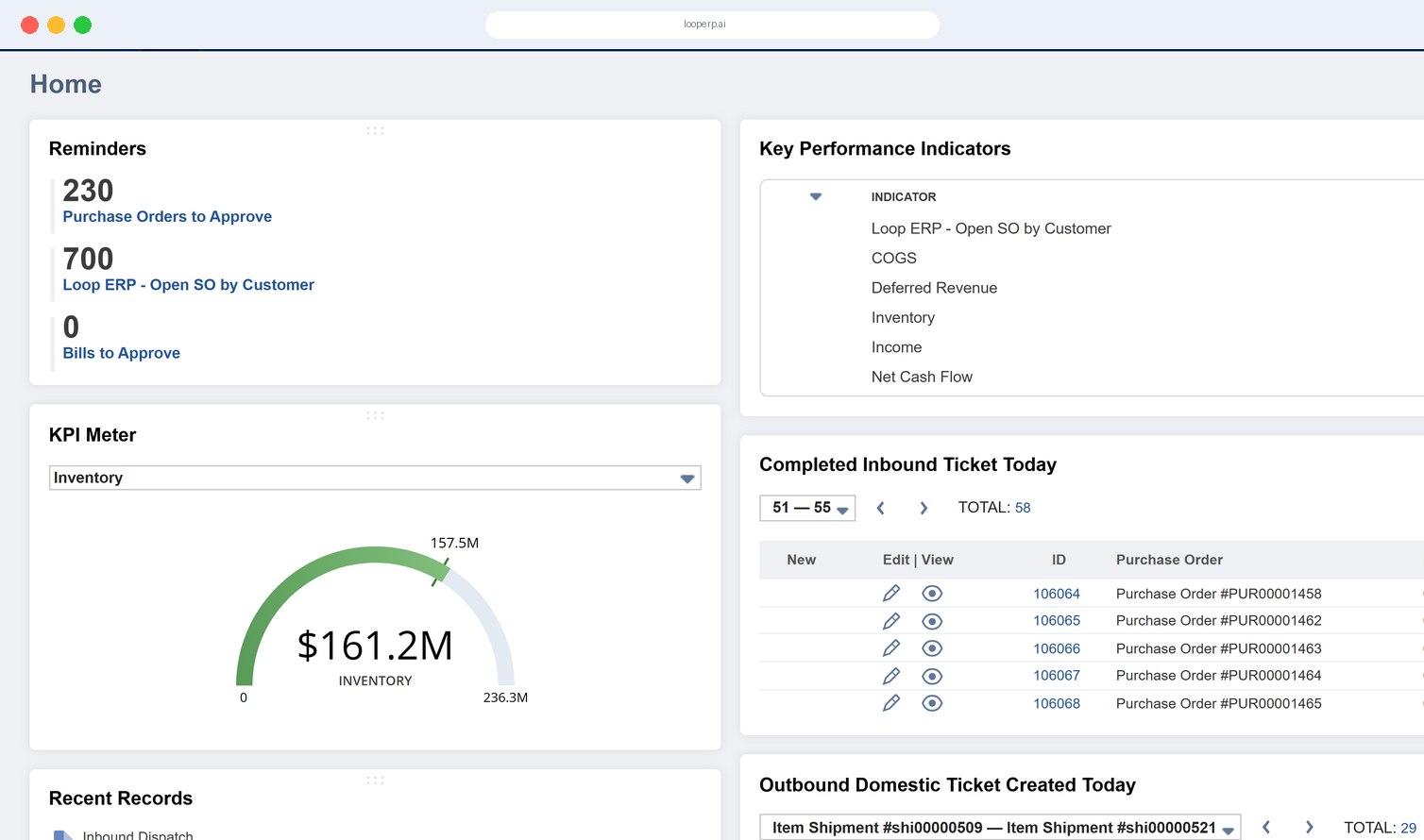
Manage inventory across repair facilities, 3PLs, retail stores, or recycling partners. See everything in one dashboard—what’s available, where it is, and what condition it’s in.

icon

Smart Inventory Actions & Alerts

Let Loop ERP recommend actions like “Send to repair,” “Disassemble for parts,” or “List as Grade B.” Set business rules that help your team act fast on aging or ungraded inventory.

img

Chain Smarter

Built for Circular Supply Chains

Traditional inventory systems treat returned or reworked products as exceptions. Loop ERP makes them core to your business model. Whether you’re reselling, repurposing, or recycling, you can:

  • Extend the lifespan of your products
  • Maximize value recovery from returned goods
  • Minimize write-offs and waste
  • Confidently forecast based on regraded sell-through

Drive More Value From Every Unit

Loop ERP’s Inventory & Regrading function redefines how inventory is see, managed, and monetized. It's not just stock—it's a strategic asset in motion.

Schedule a Demo
img

Blogs

Latest Insights

See All Blogs
icon

April 23, 2026

EPR Reporting for Scrap Recyclers: What Your ERP Needs to Handle in 2026

icon

April 13, 2026

What Is Scrap ERP? And Why Generic Systems Fail Scrap Metal Recyclers

icon

March 31, 2026

What Is a Circular Economy ERP? A Plain-English Guide for Scrap, Recycling, and Materials Businesses

See All Blogs

Frequently Asked Questions

Everything you need to know about Loop ERP

Can Loop ERP handle large-scale operations?

icon

Yes. Loop ERP is built on NetSuite, the same platform used by enterprise operators, multi-site businesses, and high-volume processors. It handles multi-entity accounting, consolidated reporting across locations, high daily transaction volumes, and complex settlement structures without slowing down. If you are running one site today and five next year, you do not need to replatform to keep up.

How long does it take to implement Loop ERP?

icon

Implementation time varies, depending on the number of locations, material streams, and integrations involved (scales, cameras, payment processors, third-party logistics). The Loop ERP team handles data migration, workflow configuration, integration, and training in parallel, and we work directly with your operations leads, not just IT, so the system matches how your business actually runs on day one.

What makes Loop ERP different from other ERP systems?

icon

Most ERP systems treat inventory as static boxes on a shelf. Loop is built for inventory that changes grade, weight, and value at every step, which is how scrap, recycling, aggregate, brokerage, and similar materials-based businesses actually work. It is also NetSuite-native, so you do not need a separate accounting package, a middleware layer, or a patchwork of integrations to get from inbound ticket to closed financials. One login, one system, one source of truth for operations and finance.

What support does Loop ERP offer?

icon

Loop ERP provides implementation support, training for operations and finance teams, and ongoing technical support after go-live. Clients get access to documentation, how-to guides, and direct consultation with our team for troubleshooting, configuration changes, and new workflow setup. Support is handled by people who understand the difference between a ticketing issue and a grading exception, not a generic help desk working from a script.

How secure is Loop ERP?

icon

Loop ERP runs on Oracle NetSuite, so your data lives inside enterprise cloud infrastructure with encryption in transit and at rest, role-based access, and audit logging on every transaction. Ticket edits, grade changes, and settlement adjustments all carry a user stamp and timestamp. If a record is overridden or reclassified, you can see who did it and when, which matters for disputes, audits, and internal controls.