Camera & Camera Integration

Loop ERP Modules & Features

ERP Camera Integration for Warehouse Inspections, Returns, and Compliance

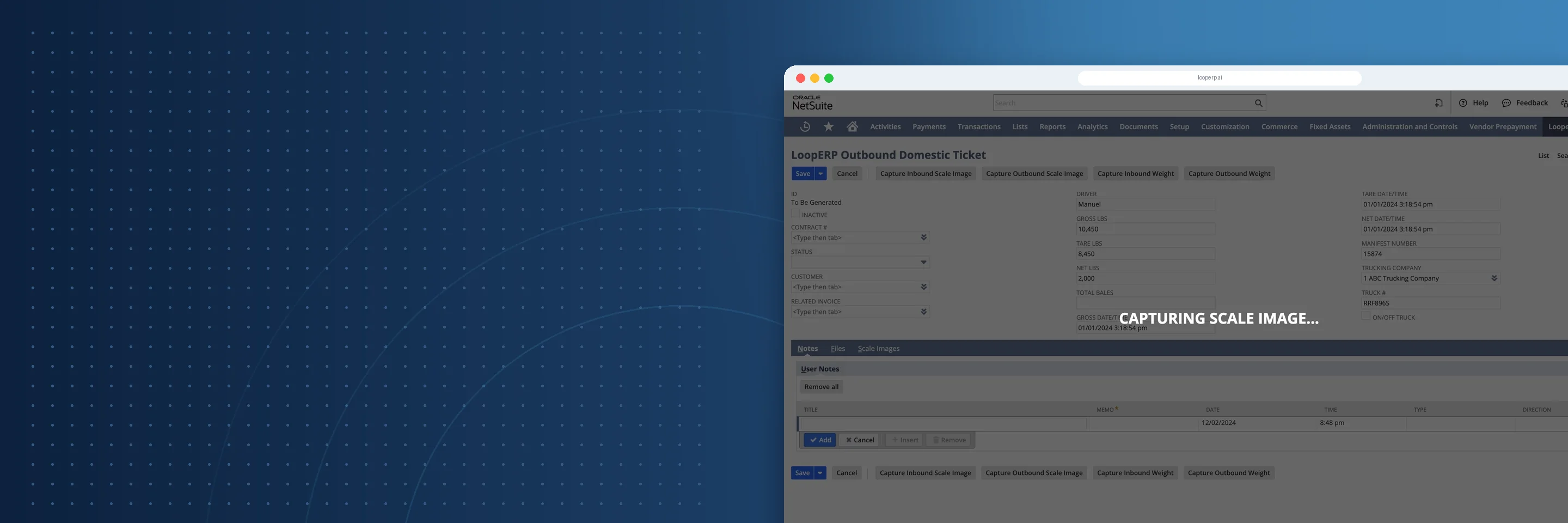
In a circular economy, trust is built on visibility—and sometimes, seeing is believing. Whether you’re inspecting returned goods, verifying item condition, monitoring warehouse activity, or documenting disassembly processes, Loop ERP’s Camera & Camera Integration feature function enables you to capture, store, and tie real-world visual data directly to your digital records.

This isn't just about surveillance. It’s about visual verification at the points where inventory, quality, and accountability meet.

img
icon

What It Does

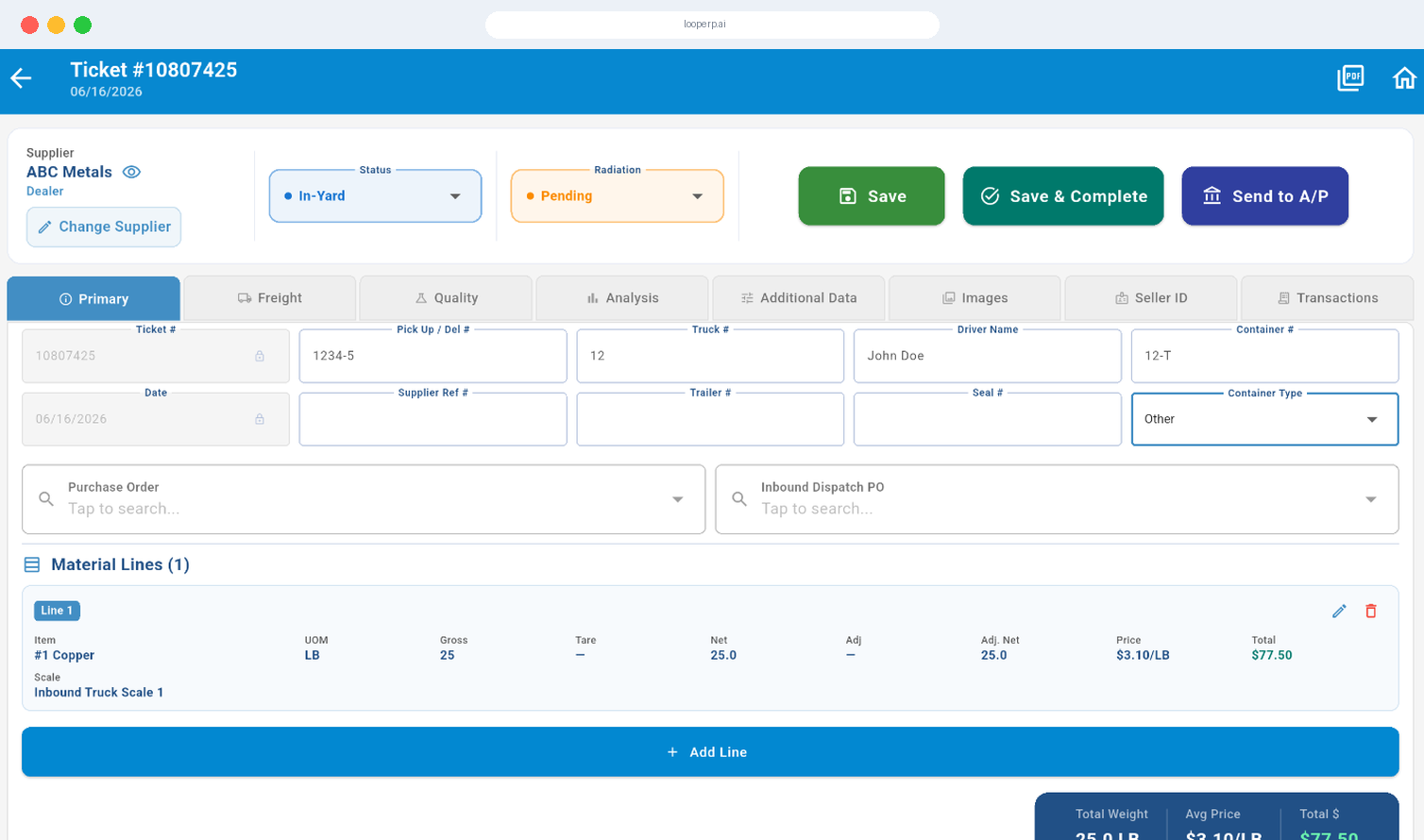
The Camera & Camera Integration feature in Loop ERP allows businesses to embed visual documentation directly into operational workflows. Capture photos or video snippets at critical touchpoints—such as receiving, inspection, grading, packing, or dispatch—and store them with full traceability to the associated inventory, transaction, or user.

This feature empowers teams to validate item condition, reduce disputes, support compliance, and optimize continuous improvement efforts—all within the same platform.

What is ERP camera integration for warehouse and inspection workflows?

ERP camera integration is the ability to capture photos and videos at key operational touchpoints — receiving, inspection, regrading, returns processing, shipment confirmation — and store those images directly inside the ERP record they belong to, rather than in a separate folder, shared drive, or personal phone that nobody else can access. In operations that handle returned goods, recovered materials, or variable-condition inventory, visual documentation is how you prove what something looked like when it arrived, what condition it was in when it shipped, and what happened to it in between. Without that evidence attached to the transaction record, disputes with customers and suppliers get expensive fast, and compliance audits become a scramble to find files that may or may not exist. A purpose-built camera integration module makes visual capture a standard step in the workflow — triggered automatically at the right stage, stored against the right record, and accessible to anyone who needs it without tracking down who took the photo or where they saved it.

Expanded Key Features

icon

Photo Capture on Workflow Events

Automatically prompt users to take photos during key stages like receiving, regrading, quality control, or shipment preparation.

icon

Short-Form Video Recording Support

Enable quick video recordings during inspections, repairs, or disassembly to visually document handling processes, defects, or reassembly techniques.

icon

Device-Agnostic Camera Integration

Use any webcam, tablet, or mobile phone with camera functionality. For advanced environments, integrate with fixed-location IP cameras or line-side capture stations.

icon

Visual Documentation Embedded in Records

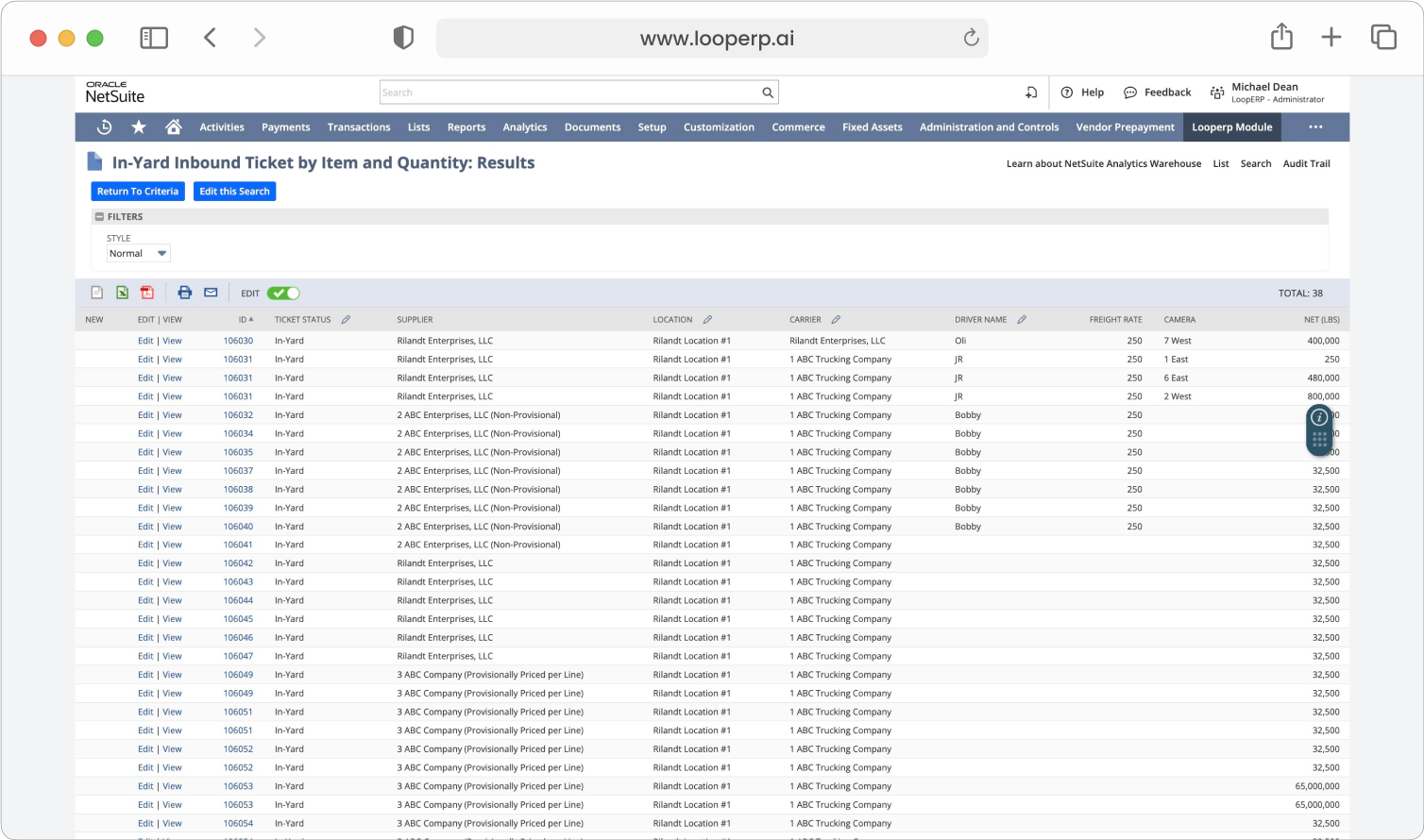
Photos and videos are stored as part of the inventory or transaction record—fully searchable and auditable, with metadata like time, user, and location.

icon

Visual Condition Verification for Returns & RMAs

Standardize returns processes by requiring visual documentation of condition before items are accepted or refunded.

icon

Process Monitoring for QA & Compliance

Use camera feeds to monitor production or refurbishment stations, ensuring compliance with SOPs, capturing handling issues, or auditing workflows over time.

icon

Collaborative Annotations & Notes

Add notes or flags to specific media assets. Use visual records in team reviews, supplier scorecards, or customer support interactions.

icon

Secure Storage & Access Control

All media is encrypted, securely stored, and governed by Loop ERP’s permission structure to ensure only authorized users can access sensitive visuals.

img

Visible Loops

Visual Transparency for Circular Operations

In circular supply chains, condition, quality, and transformation matter—and visuals make those concepts tangible. With Loop ERP’s Camera & Camera Integration features, you can:

  • Visually verify every step of the item lifecycle
  • Document sustainability claims and reprocessing workflows
  • Strengthen trust with customers, partners, and auditors
  • Reduce disputes, warranty issues, and rework

Let Your ERP Show Its Work

Loop ERP’s Camera & Camera Integration brings clarity, context, and confidence to your operations—making your data not just actionable, but provable.

Schedule a Demo
img

Blogs

Latest Insights

See All Blogs
icon

April 23, 2026

EPR Reporting for Scrap Recyclers: What Your ERP Needs to Handle in 2026

icon

April 13, 2026

What Is Scrap ERP? And Why Generic Systems Fail Scrap Metal Recyclers

icon

March 31, 2026

What Is a Circular Economy ERP? A Plain-English Guide for Scrap, Recycling, and Materials Businesses

See All Blogs

Frequently Asked Questions

Everything you need to know about Loop ERP

Can Loop ERP handle large-scale operations?

icon

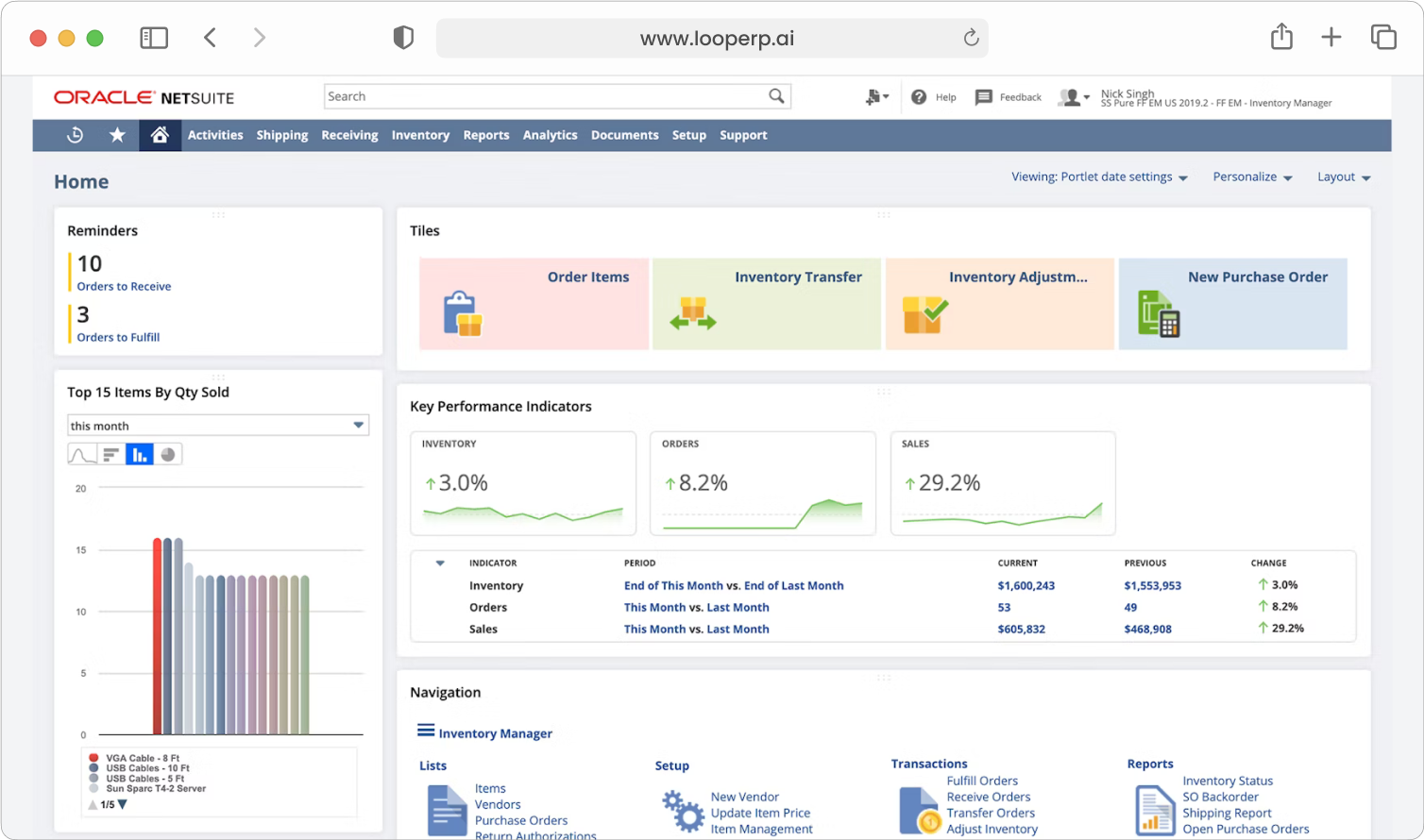
Yes. Loop ERP is built on NetSuite, the same platform used by enterprise operators, multi-site businesses, and high-volume processors. It handles multi-entity accounting, consolidated reporting across locations, high daily transaction volumes, and complex settlement structures without slowing down. If you are running one site today and five next year, you do not need to replatform to keep up.

How long does it take to implement Loop ERP?

icon

Implementation time varies, depending on the number of locations, material streams, and integrations involved (scales, cameras, payment processors, third-party logistics). The Loop ERP team handles data migration, workflow configuration, integration, and training in parallel, and we work directly with your operations leads, not just IT, so the system matches how your business actually runs on day one.

What makes Loop ERP different from other ERP systems?

icon

Most ERP systems treat inventory as static boxes on a shelf. Loop is built for inventory that changes grade, weight, and value at every step, which is how scrap, recycling, aggregate, brokerage, and similar materials-based businesses actually work. It is also NetSuite-native, so you do not need a separate accounting package, a middleware layer, or a patchwork of integrations to get from inbound ticket to closed financials. One login, one system, one source of truth for operations and finance.

What support does Loop ERP offer?

icon

Loop ERP provides implementation support, training for operations and finance teams, and ongoing technical support after go-live. Clients get access to documentation, how-to guides, and direct consultation with our team for troubleshooting, configuration changes, and new workflow setup. Support is handled by people who understand the difference between a ticketing issue and a grading exception, not a generic help desk working from a script.

How secure is Loop ERP?

icon

Loop ERP runs on Oracle NetSuite, so your data lives inside enterprise cloud infrastructure with encryption in transit and at rest, role-based access, and audit logging on every transaction. Ticket edits, grade changes, and settlement adjustments all carry a user stamp and timestamp. If a record is overridden or reclassified, you can see who did it and when, which matters for disputes, audits, and internal controls.