Fish and Seafood Processing Industry

Powering Traceable, Sustainable, and Profitable Operations

img

Seafood ERP

Why Loop ERP?

Fish and seafood processors deal with traceability requirements, variable-weight inventory, and tight margins that generic ERP systems were never designed to handle. Loop ERP gives processors a single system for managing inventory by lot, tracking catch-to-invoice, and closing the books accurately — without patching together spreadsheets and standalone tools.

What Is ERP Software for Fish and Seafood Processors?

ERP software for fish and seafood processors is a system that manages catch intake, lot-level traceability, QA testing, processing workflows, cold storage inventory, pricing, and regulatory documentation inside one platform. Seafood operations deal with perishable inventory, volatile market pricing by species and grade, and compliance requirements — HACCP, FDA, NOAA, MSC — that demand audit-ready records at every stage. Standard ERP systems handle inventory and invoicing but aren't built to track a lot from vessel to buyer while generating the compliance documentation regulators require. A purpose-built solution connects dock operations, processing, and finance so nothing falls through the gaps between catch and settlement.

The Only All-in-One System You Need

Everything Under One Roof

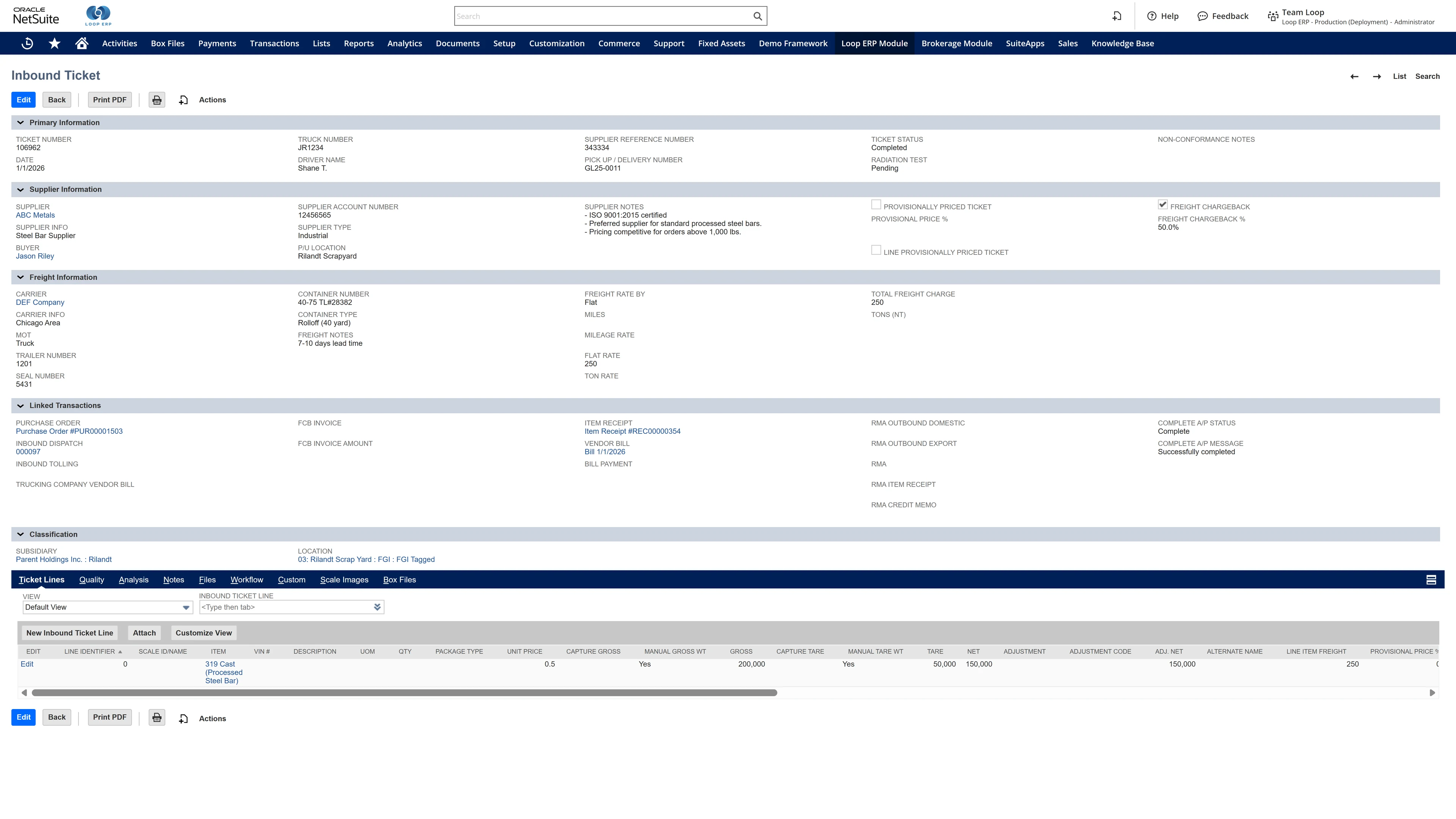
Loop ERP centralizes your entire operation in one system—from raw catch intake to lot-controlled frozen exports and fresh deliveries. Built on Oracle NetSuite, it integrates operations, logistics, finance, and regulatory compliance.

1

Real-time coordination across vessels, plants, cold storage, and sales

2

Built-in HACCP, NOAA, and FDA documentation support

3

Eliminate data gaps and improve response time

4

Built for Fish & Seafood Processors, by Industry Experts

Seafood-Specific Workflows

Loop ERP is tailored for everything from wild-caught fisheries to aquaculture, with workflows that support batch splitting, grading, freezing, packaging, and byproduct processing.

icon

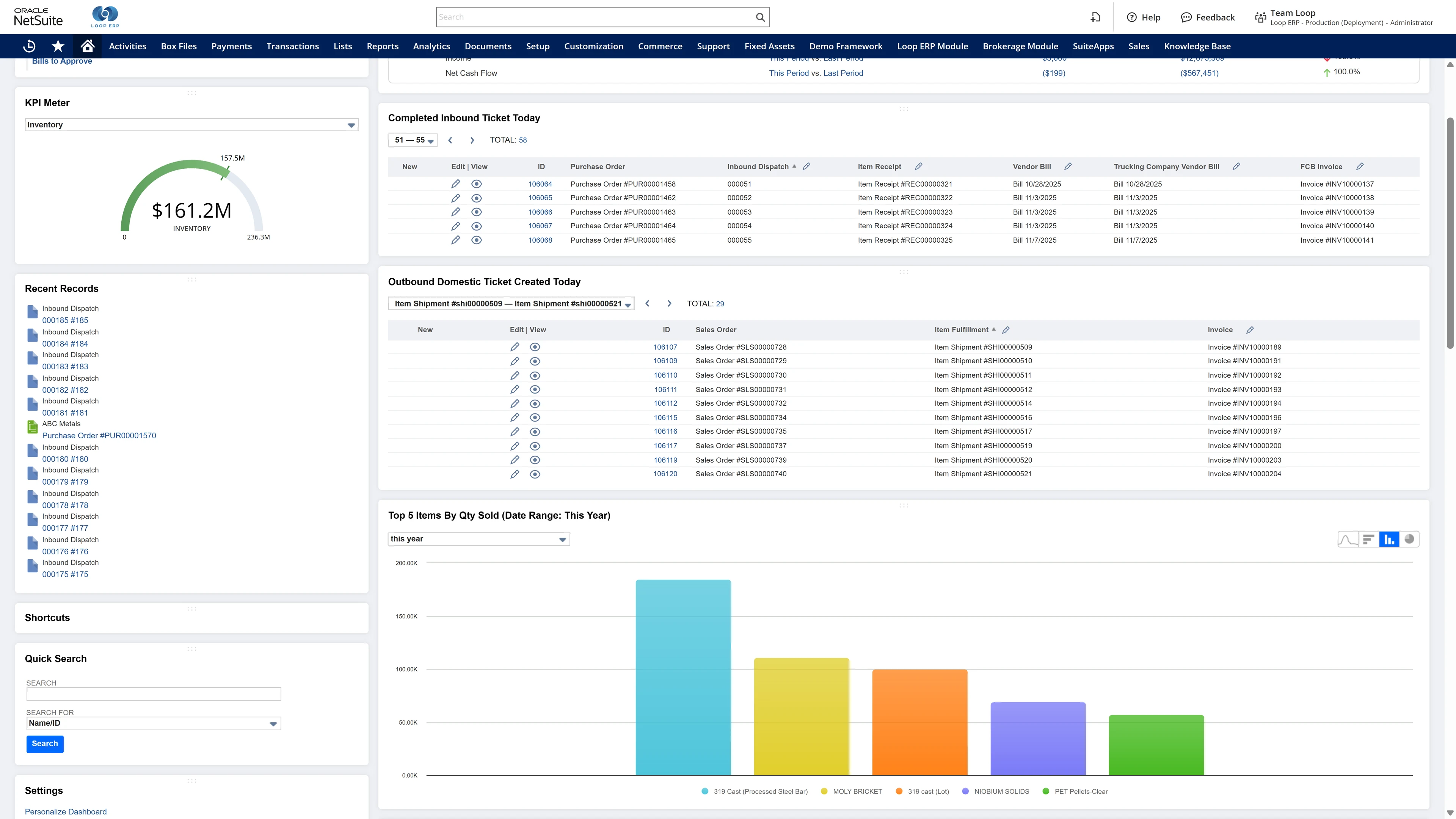
Inbound & Outbound Ticketing

  • Record catch by vessel, species, weight, and dock receipt
  • Generate outbound tickets by grade, species, customer, or destination market
  • Capture lot details tied to cold storage or direct shipments
icon

Scale Integration

  • Automate weighing at intake and throughout processing stages
  • Integrate with grading belts, filleting lines, and portioning scales
icon

Camera Integration

  • Document condition at intake, QA stages, or prior to export
  • Link photos to lot numbers, shipments, and QA approvals
icon

QA & Compliance Logging

  • Enforce HACCP plans and NOAA/FDA compliance checkpoints
  • Monitor core temperature, parasite checks, mercury sampling, and pH
  • Maintain certificates of origin, sustainability, and export approvals
icon

Mobile Applications

  • Record quality checks, issue tags, and scan inventory in cold storage
  • Enable drivers to log deliveries, temp logs, and customer signatures
  • Capture dockside receiving details via tablet or smartphone
icon

Track & Trace

  • Full chain-of-custody from vessel to buyer, including export markets
  • Track products by species, origin, catch method, grade, and batch
  • Support traceability for MSC, BAP, ASC, and other certifications
icon

Quality Control

  • Flag off-spec seafood (e.g., bruising, improper fillet size, broken tails)
  • Auto-route batches for reprocessing or hold
  • Attach QA certificates to packing lists and invoices
icon

Netting

  • Net vendor payments and customer receivables across processing programs
  • Automate joint venture splits or harvest-sharing payouts
  • Reconcile by weight, price, or market value
icon

Extremely Flexible Pricing Module

  • Set pricing by species, grade, season, market, or export zone
  • Apply surcharges for sustainability, traceability, or processing level
  • Eliminate manual price tracking with rules-based automation
img
icon

AI-Driven Insights & Automation

Intelligence That Works for You

  • Predict spoilage risk and recommend regrading or rerouting
  • Analyze yield variances and loss ratios by species or process
  • Recommend pricing adjustments based on inventory age and market movement

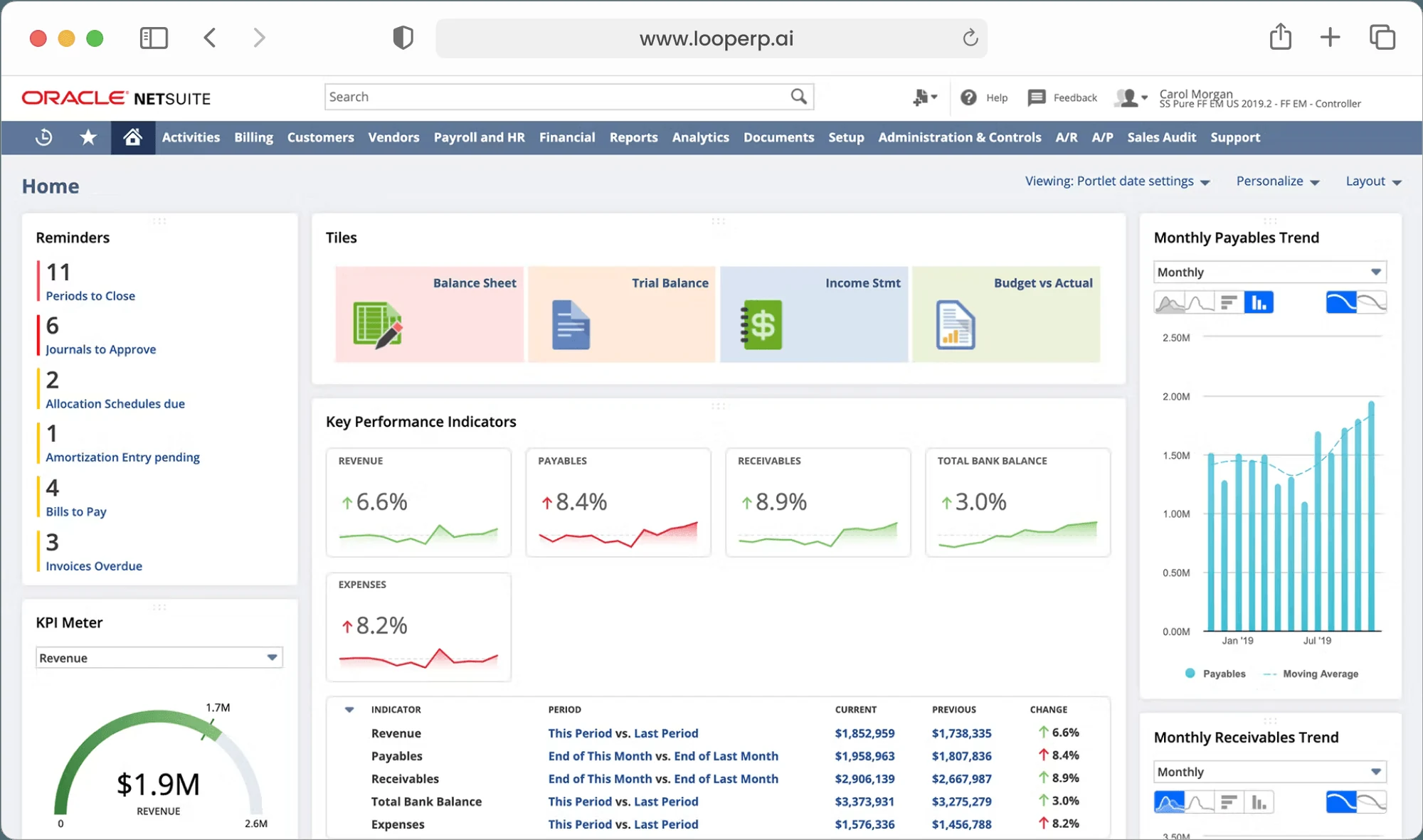
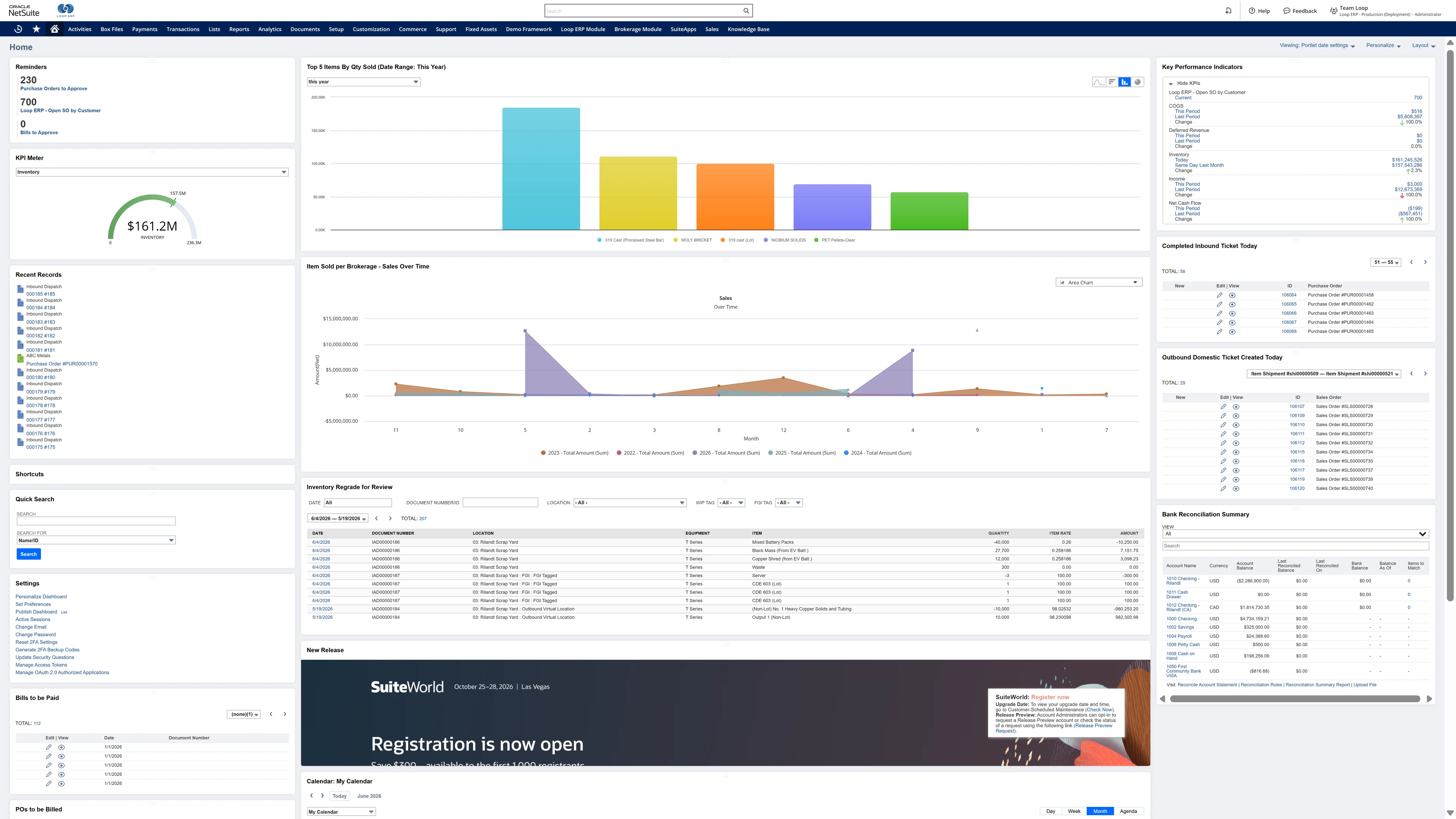
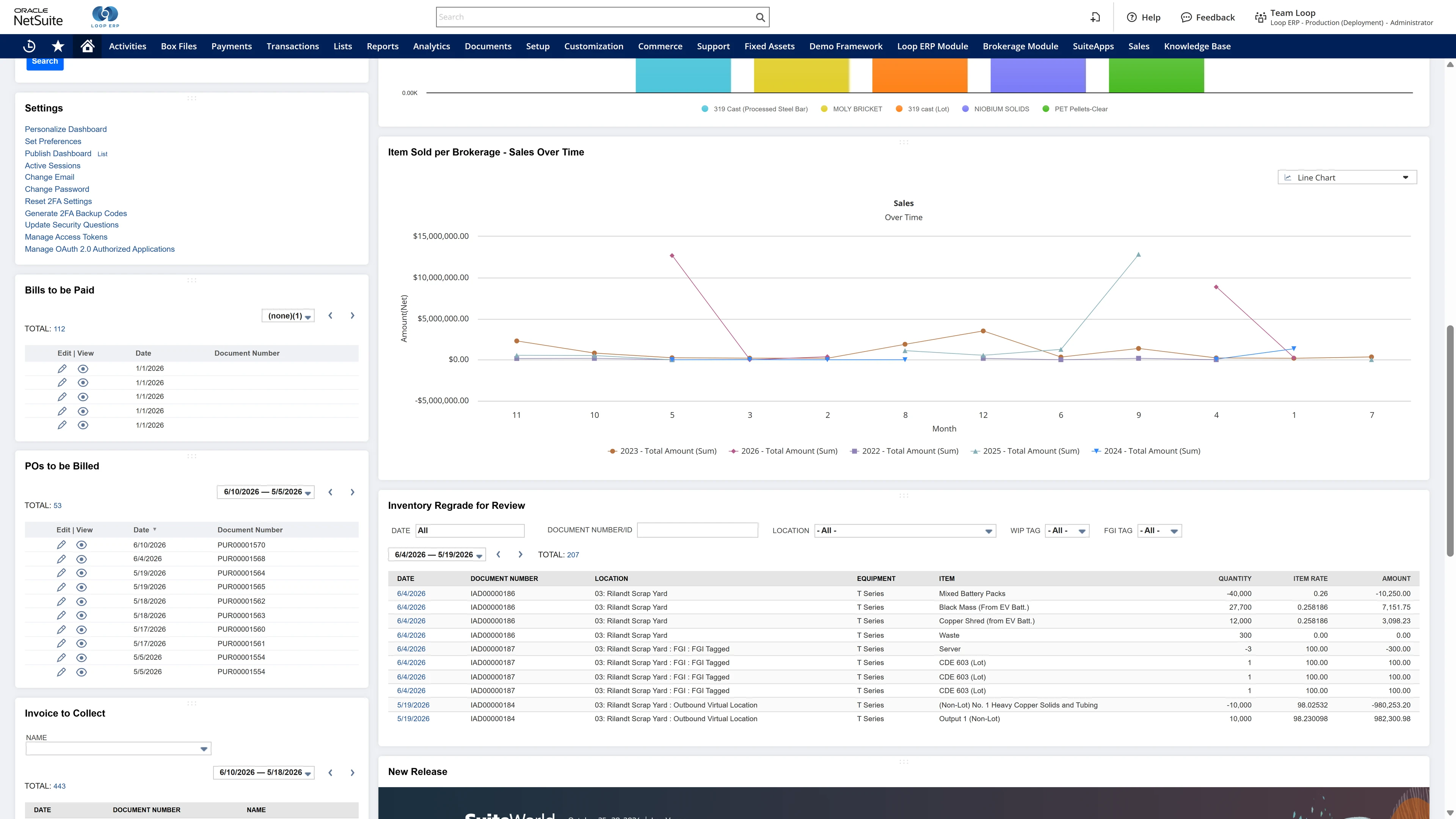
Real-Time Dashboards

Real-World Decisions

  • Monitor throughput by species, line, and grade
  • See QA trends, yield performance, and shrink loss in real time
  • Track financial performance by region, product line, or customer segment
Loop ERP Dashboard
icon

Empower

Your Entire Operation

Inventory & Regrading

  • Track fresh, frozen, and value-added SKUs with full traceability
  • Regrade inventory by QA outcome or customer specification
  • Label and scan pallets with export documentation and trace codes

Finance & Settlements

  • Automate payments to boats, fisheries, and cold storage providers
  • Invoice customers based on cut, grade, and shipment terms
  • Track rebates, sustainability premiums, and byproduct sales

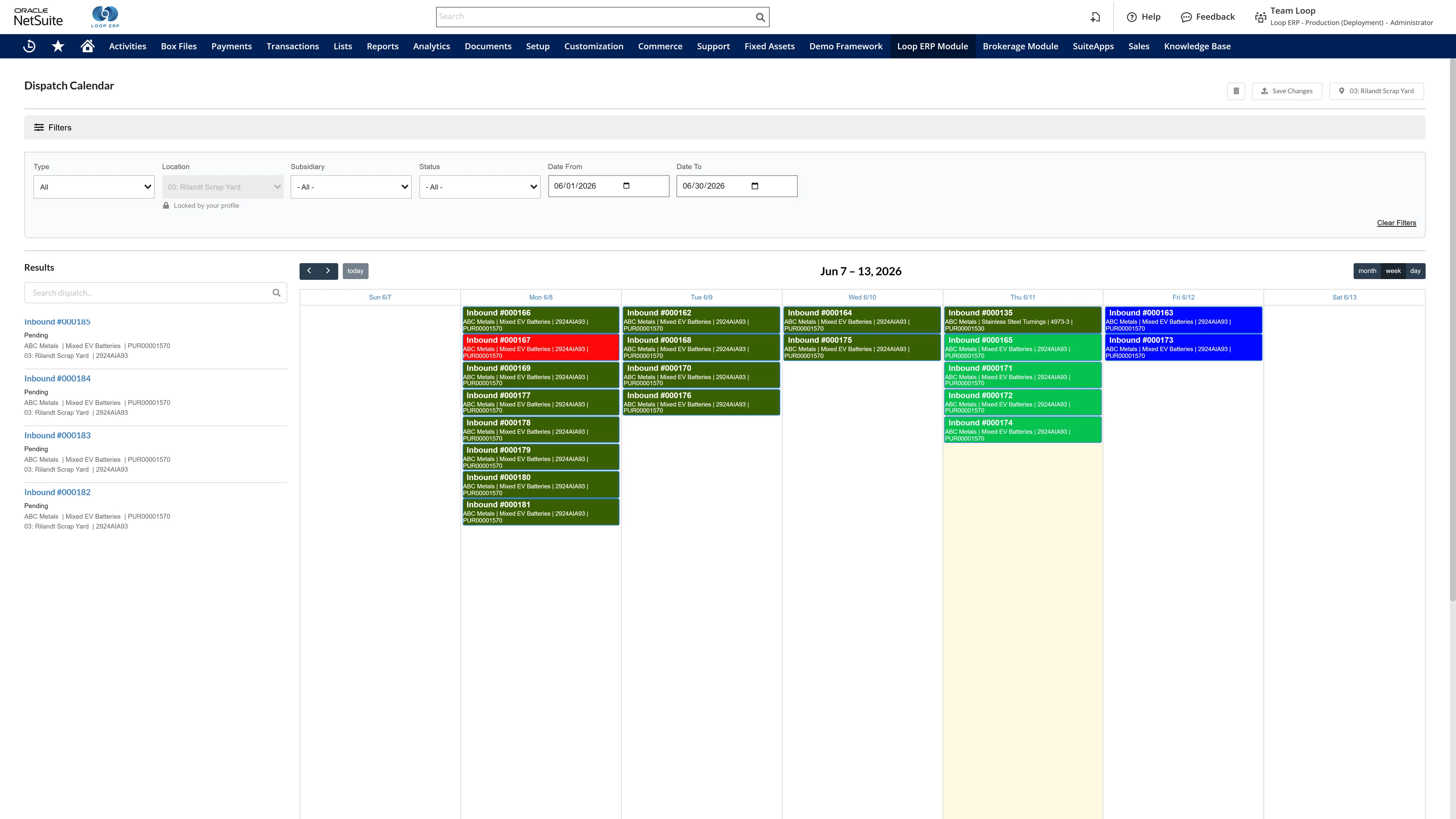
Dispatch & Driver Management

  • Plan routes for local deliveries, export container loads, or seafood auctions
  • Record drop-off confirmations with photos, signatures, and timestamps
  • Integrate temp logging into each delivery transaction

Navigate the Tides of Change with Loop ERP

Whether you're processing urchins or exporting tuna, Loop ERP delivers the visibility, control, and compliance your business demands.

Ready to transform your seafood ERP?

Book Your Demo

Key Features & Benefits

Highlights at a Glance

Feature

✅ All-in-One Platform

⚖️ Scale & Camera Integration

🧠 AI Assistance

💵 Built-in Finance

📊 Role-Based Dashboards

♻️ Seafood-Specific Workflows

📱 Mobile Applications

🔄 Track & Trace

✅ Quality Control

🔗 Netting

💲 Flexible Pricing Module

Benefit

No third-party integrations needed

Accurate weights and condition documentation

Spoilage prediction, margin optimization, and rerouting

Integrated settlements, rebates, and customer billing

Insight into operations, QA, and financials

Built for fresh, frozen, and value-added seafood

Dockside to dispatch functionality

Full chain-of-custody and certification reporting

QA enforcement for export and domestic markets

Seamless settlement between boats, buyers, and processors

Pricing automation across species, grade, and market

Frequently Asked Questions

Everything You Need to Know About Loop ERP

How does Loop ERP handle supplier settlements and vendor payments?

icon

Loop ERP automates supplier payments based on ticket data, net weight, and grade. It supports deductions, freight netting, multi-party deals, consignment sales, and joint ventures. Buyers receive invoices that break out surcharges, alloy adjustments, and transport costs — all generated from the same ticket data that drives operations.

What platform is Loop ERP built on?

icon

Loop is built on Oracle NetSuite, which means you get enterprise-grade accounting, CRM, and financial reporting built in. There is no separate accounting system to sync with, and no additional middleware between your operations and your books.

How secure is Loop ERP?

icon

Loop ERP runs on Oracle NetSuite, so your data lives inside enterprise cloud infrastructure with encryption in transit and at rest, role-based access, and audit logging on every transaction. Ticket edits, grade changes, and settlement adjustments all carry a user stamp and timestamp. If a record is overridden or reclassified, you can see who did it and when, which matters for disputes, audits, and internal controls.

How does Loop ERP help with sustainability reporting?

icon

Loop ERP pulls data straight from the same ticket and inventory records that run the yard, so sustainability reports reflect what actually moved, not a separate data set. Real-time dashboards track tons recycled by material, carbon saved, and landfill diversion by facility or customer. When a buyer or regulator asks for proof, you can produce a traceable record tied to specific loads, grades, and destinations instead of rebuilding it from spreadsheets.

Can Loop ERP handle large-scale operations?

icon

Yes. Loop ERP is built on NetSuite, the same platform used by enterprise recyclers, multi-yard operators, and shredder networks. It handles multi-entity accounting, consolidated reporting across locations, high daily ticket volumes, and complex settlement structures without slowing down. If you are running one yard today and five next year, you do not need to replatform to keep up.

How long does it take to implement Loop ERP?

icon

Implementation time varies, depending on the number of locations, material streams, and integrations involved (scales, cameras, payment processors, third-party logistics). The Loop ERP team handles data migration, workflow configuration, scale integration, and training in parallel, and we work directly with your operations leads, not just IT, so the system matches how your yard actually runs on day one.

What makes Loop ERP different from other ERP systems?

icon

Most ERP systems treat inventory as static boxes on a shelf. Loop ERP is built for inventory that changes grade, weight, and value at every step, which is how scrap, recycling, aggregate, brokerage, and similar materials-based businesses actually work. It is also NetSuite-native, so you do not need a separate accounting package, a middleware layer, or a patchwork of integrations to get from inbound ticket to closed financials. One login, one system, one source of truth for operations and finance.