Quality Control

Loop ERP Modules & Features

Quality Control Software for Returned, Regraded, and Reprocessed Inventory

In the circular economy, quality isn't a one-time check—it's a continuous process. Whether you're refurbishing electronics, regrading apparel, or recycling industrial components, you need to ensure every item meets standards—again and again. Loop ERP’s Quality Control feature function gives you the tools to test, track, and enforce quality at every touchpoint across first-life and next-life inventory.

img
icon

What It Does

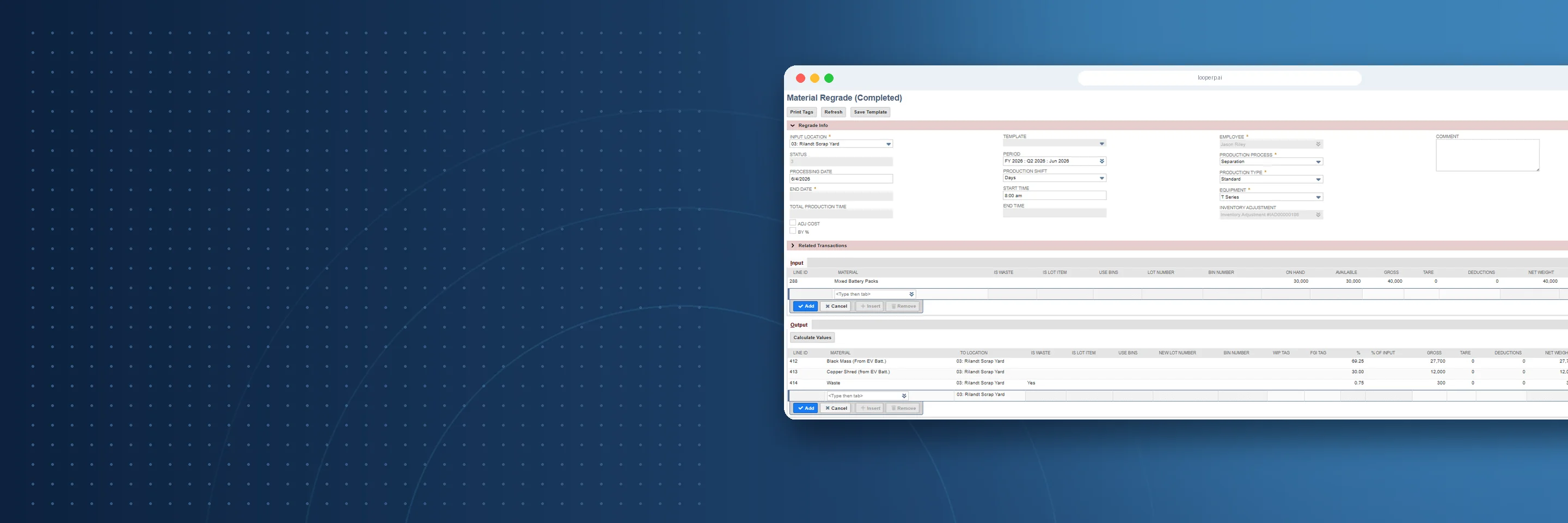
The Quality Control feature in Loop ERP allows you to define and enforce quality standards across new, returned, regraded, or reprocessed inventory. From intake inspection to final resale certification, every item is validated based on its condition, lifecycle stage, and reuse strategy—so you can scale operations without compromising trust.

What is quality control software in an ERP?

Quality control software in an ERP is a system for defining, enforcing, and documenting inspection standards across your inventory — from intake through processing, regrading, and final resale — without manual checklists, disconnected spreadsheets, or inspection records that live outside the system. In businesses handling returned goods, recovered materials, or reprocessed inventory, quality control is more complex than a pass/fail check at the end of a production line. The same item might be inspected at intake, regraded after refurbishment, sampled as part of a bulk lot, and inspected again before it ships to a buyer. Each of those touchpoints needs a recorded outcome that ties back to the inventory record, the supplier, and the grading history. A purpose-built QC module handles that full lifecycle inside the ERP — so defect patterns get flagged before they become supplier disputes, rework gets routed automatically, and every inspection result is audit-ready without anyone having to compile it manually.

Expanded Key Features

icon

Customizable Quality Criteria by Grade & Stage

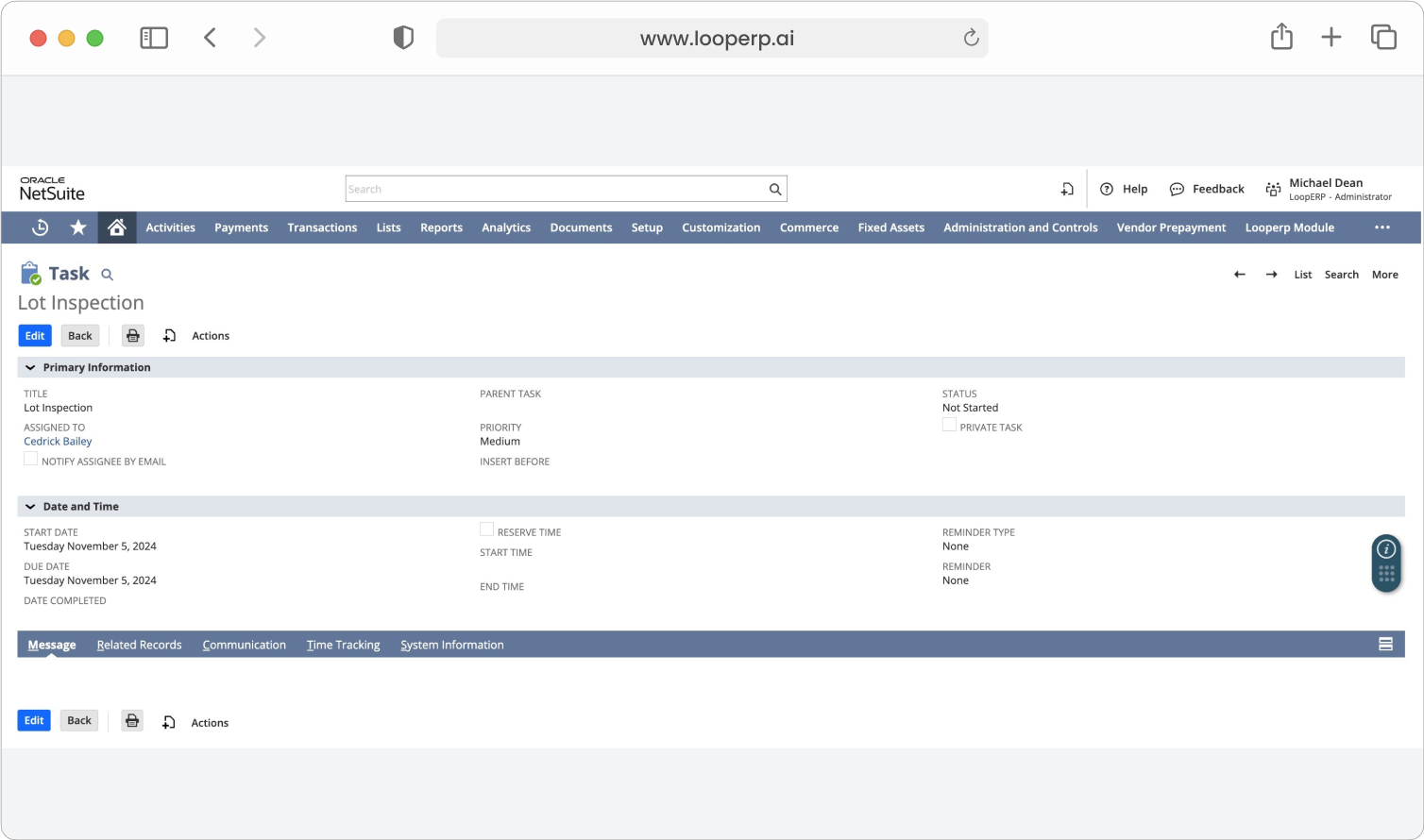
Define distinct quality checklists for different item conditions (e.g., New, Refurbished, Parts-Only) and lifecycle points (e.g., upon return, post-repair, pre-shipment).

icon

Multi-Step Inspection Workflows

Automate inspections throughout the product journey—at inbound, post-repair, pre-fulfillment, or after reassembly. Route failed items automatically for rework, disassembly, or downgrade.

icon

Integrated Test Station & Device Input

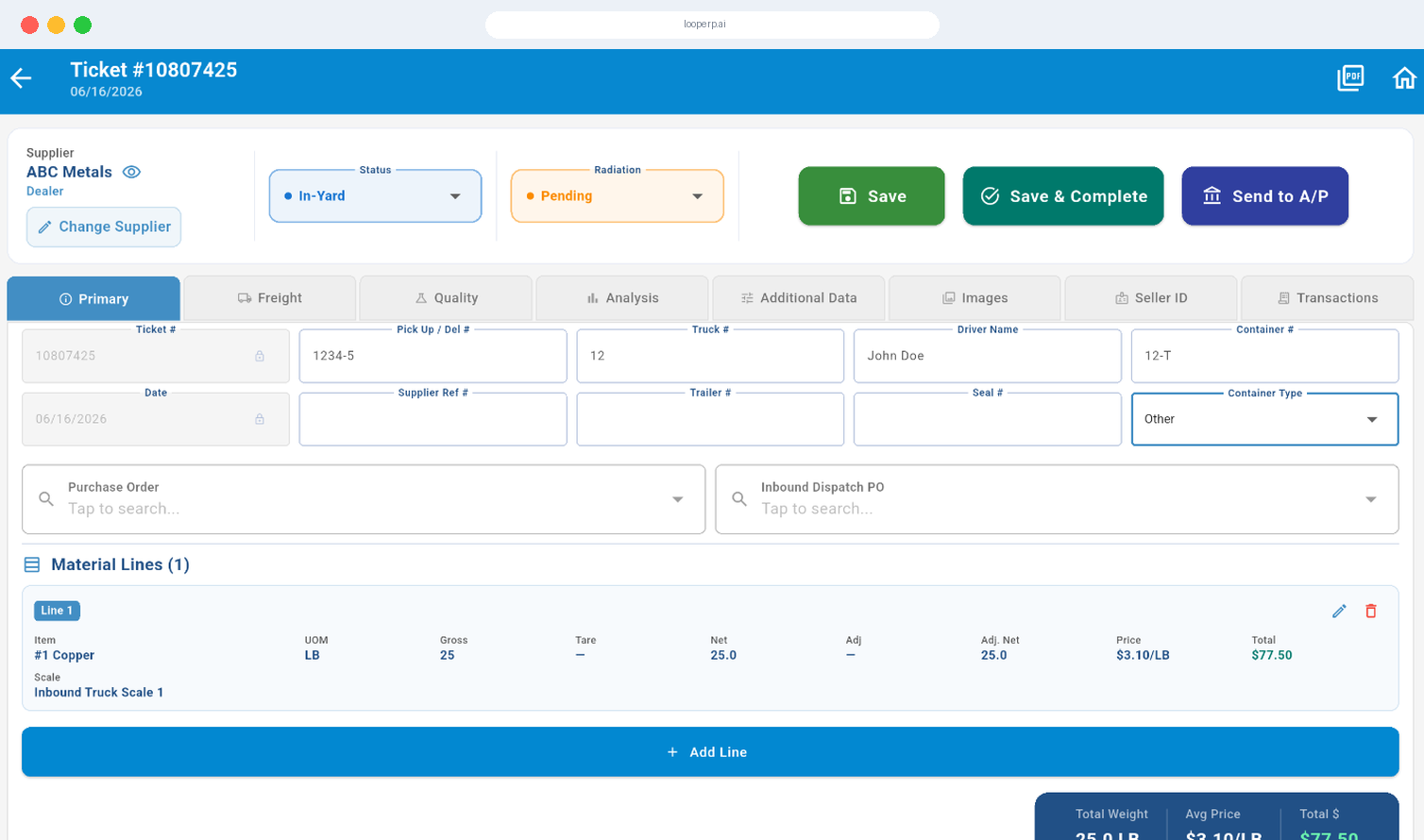
Capture real-time results from integrated test benches, scanners, or mobile apps. Reduce manual input errors and standardize inspections across facilities.

icon

Defect & Issue Tracking

Track failure types, defect patterns, and root causes. Monitor recurring issues by supplier, grade, or refurbishment process.

icon

Regrading, Rework & Downgrade Routing

When items fail inspection, automatically initiate a regrading or rework path—or assign them to a lower-value stream. Keep inventory moving while maintaining quality integrity.

icon

Sample-Based Inspection for High Volumes

For bulk or commodity goods, apply random sampling rules based on lot size, supplier history, or product risk level.

icon

Audit Trails & QA Documentation

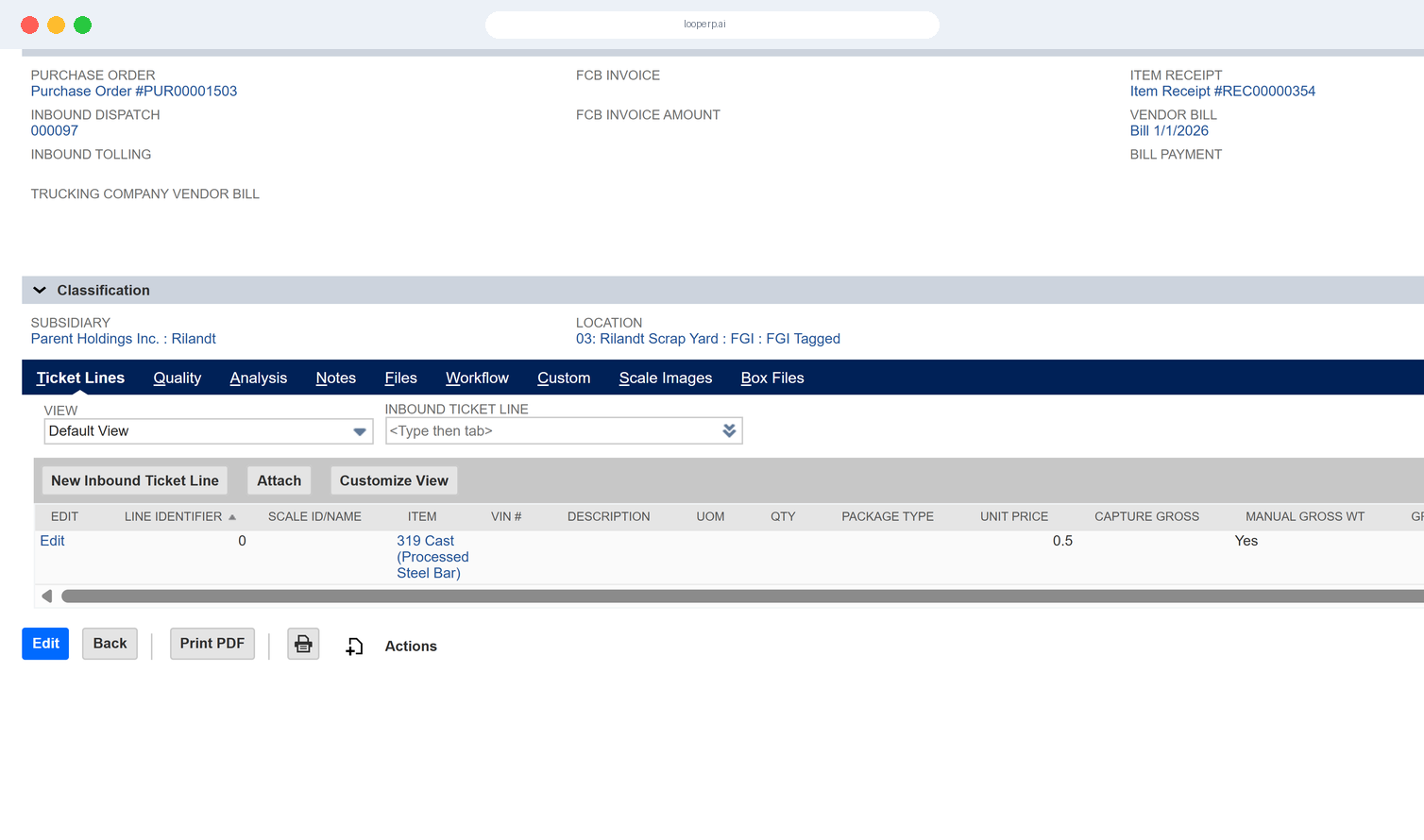
Maintain inspection records, test outcomes, and rework history for every unit. Ensure audit-readiness for certifications, recalls, or compliance checks.

icon

Continuous Improvement Insights

Turn QA data into actionable intelligence. Use built-in analytics to identify trends, prioritize process improvements, and reduce repeat defects.

img

Certified Circular

Built for Circular Quality Standards

Unlike traditional ERP systems that focus on single-lifecycle quality assurance, Loop ERP supports dynamic quality evaluation across multiple product lives. You can:

  • Define quality by grade, not just by SKU
  • Inspect reprocessed and reassembled goods with full history
  • Maintain consumer and regulator confidence in reused inventory
  • Embed quality into every feedback loop of your circular operation

Quality That Builds Reputation

In a world where used doesn’t mean lesser, Loop ERP Quality Control ensures that every unit—first-hand or second-life—delivers reliability, compliance, and value.

Schedule a Demo
img

Blogs

Latest Insights

See All Blogs
icon

April 23, 2026

EPR Reporting for Scrap Recyclers: What Your ERP Needs to Handle in 2026

icon

April 13, 2026

What Is Scrap ERP? And Why Generic Systems Fail Scrap Metal Recyclers

icon

March 31, 2026

What Is a Circular Economy ERP? A Plain-English Guide for Scrap, Recycling, and Materials Businesses

See All Blogs

Frequently Asked Questions

Everything you need to know about Loop ERP

Can Loop ERP handle large-scale operations?

icon

Yes. Loop ERP is built on NetSuite, the same platform used by enterprise operators, multi-site businesses, and high-volume processors. It handles multi-entity accounting, consolidated reporting across locations, high daily transaction volumes, and complex settlement structures without slowing down. If you are running one site today and five next year, you do not need to replatform to keep up.

How long does it take to implement Loop ERP?

icon

Implementation time varies, depending on the number of locations, material streams, and integrations involved (scales, cameras, payment processors, third-party logistics). The Loop ERP team handles data migration, workflow configuration, integration, and training in parallel, and we work directly with your operations leads, not just IT, so the system matches how your business actually runs on day one.

What makes Loop ERP different from other ERP systems?

icon

Most ERP systems treat inventory as static boxes on a shelf. Loop is built for inventory that changes grade, weight, and value at every step, which is how scrap, recycling, aggregate, brokerage, and similar materials-based businesses actually work. It is also NetSuite-native, so you do not need a separate accounting package, a middleware layer, or a patchwork of integrations to get from inbound ticket to closed financials. One login, one system, one source of truth for operations and finance.

What support does Loop ERP offer?

icon

Loop ERP provides implementation support, training for operations and finance teams, and ongoing technical support after go-live. Clients get access to documentation, how-to guides, and direct consultation with our team for troubleshooting, configuration changes, and new workflow setup. Support is handled by people who understand the difference between a ticketing issue and a grading exception, not a generic help desk working from a script.

How secure is Loop ERP?

icon

Loop ERP runs on Oracle NetSuite, so your data lives inside enterprise cloud infrastructure with encryption in transit and at rest, role-based access, and audit logging on every transaction. Ticket edits, grade changes, and settlement adjustments all carry a user stamp and timestamp. If a record is overridden or reclassified, you can see who did it and when, which matters for disputes, audits, and internal controls.